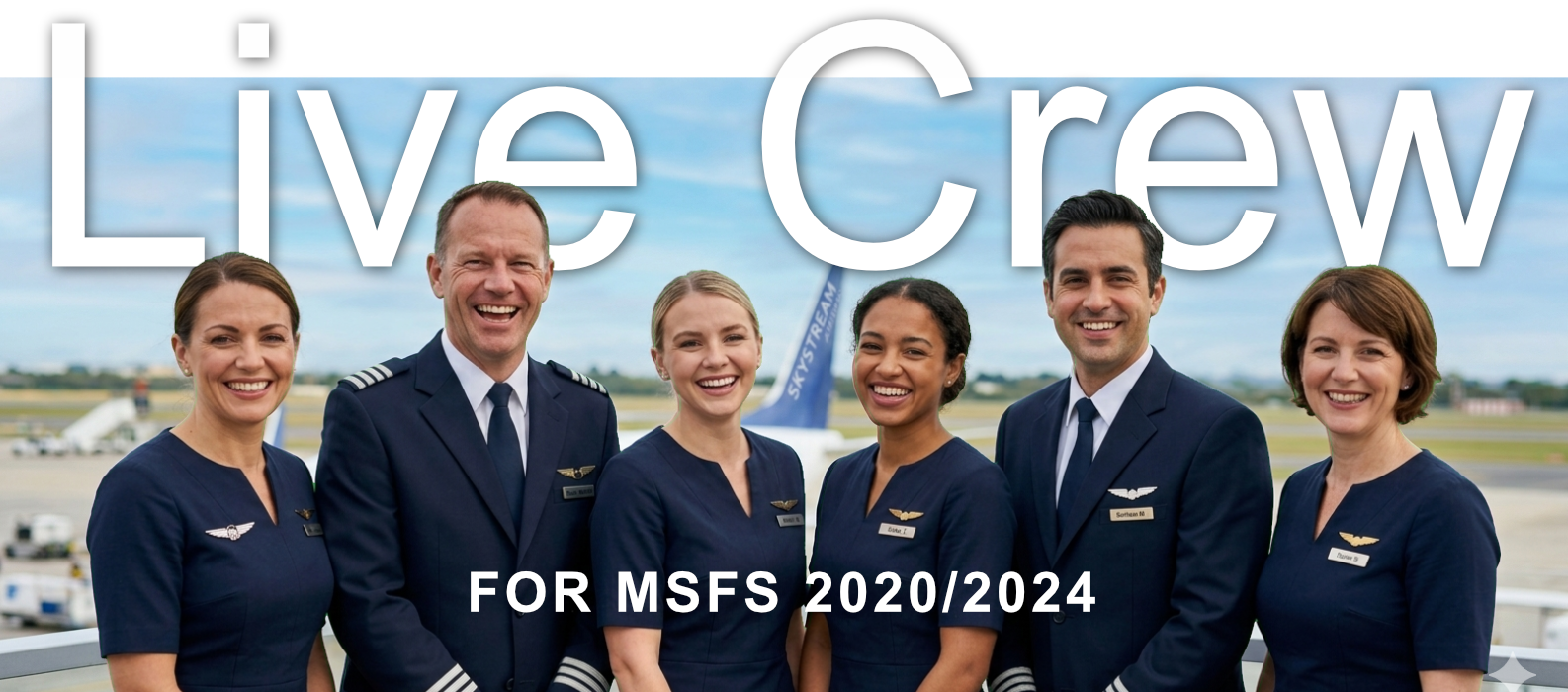
LiveCrew — Your Virtual Flight Crew for MSFS 2020/2024

Your Virtual Flight Crew

Realistic cockpit callouts, cabin PA announcements, interactive voice checklists, and boarding music — all in one lightweight companion app for Microsoft Flight Simulator.

What LiveCrew Does

Everything you need for an immersive flight — from engine start to shutdown.

Cockpit Callouts

V1, Rotate, V2, 80 knots, Positive Rate, Gear Up/Down, and full radio altitude calldown from 2500 ft to touchdown.

Cabin Announcements

Full PA sequence: Arm Doors, Welcome, Safety Briefing, After Takeoff, Before Landing, After Landing, Disarm Doors, Deboarding.

Interactive Checklists

Voice-read checklists with challenge & response. Import from PDF, create custom lists, control with hotkeys or joystick.

Multiple Voice Packs

Several cockpit voice packs. Cabin announcements use a dedicated female voice with optional second language.

Standalone Application

No paid plugins, no extra software required. LiveCrew works out of the box — just install, connect to the sim, and fly.

AI-Generated Voices

All voices are generated using advanced AI technology, delivering natural and realistic sound. Voice quality will continue to improve with future updates.

Safety briefing demonstration

Realistic Cabin Experience

From safety briefings to welcome announcements — LiveCrew brings the full passenger cabin atmosphere to your simulator. Every phase of flight is covered with authentic PA sequences.

SimBrief Integration

Fetches your flight plan automatically — airline, destination, and flight number personalize cabin announcements.

Aircraft Profiles

Built-in profiles for Fenix A320, FBW A32NX and more with LVar support. Auto-adapts for GA vs airliners.

Boarding & Landing Music

Looping background music during boarding and after landing with independent volume. Fades out on taxi.

Hotkeys & Controller

Bind keyboard or joystick to control checklists — skip, confirm, next/previous — without leaving the cockpit.

Multilingual Announcements

Cabin PA in multiple languages with dual-language mode — announcements play in two languages automatically or on demand, just like real airlines.

Fully Configurable

Enable or disable individual callouts and announcements. Choose which V-speeds, altitude calls, and PA phases are active — tailor LiveCrew to your flying style.

Cockpit view with two pilots

Professional Cockpit Callouts

Hear your First Officer call out V-speeds, altitude readbacks, and gear commands — just like in a real airline cockpit. Fully configurable per aircraft type.

Where to Buy

Our products are available through these trusted marketplaces.

Stores will be announced soon. Stay tuned!

Promotions

Current deals and special offers.

No active promotions at this time. Check back soon!

About Us

CLB Studio is a small, independent software studio focused on creating high-quality companion tools for flight simulation enthusiasts.

We believe that immersion matters. Every sound, every announcement, every checklist response — these details transform a flight simulator session into something that feels real.

Our software is built with care: lightweight, reliable, and designed to stay out of your way while enhancing every phase of flight.

FAQ

Our products currently support Microsoft Flight Simulator 2024 and MSFS 2020 via SimConnect.

LiveCrew is currently in active development. Pricing details will be announced soon.

Only for aircraft that use LVars for V-speeds or minimums (e.g., Fenix A320, FBW A32NX). LiveCrew auto-installs it if needed.

Yes — you can add custom voice packs and import checklists from PDF or create them from scratch.

No — our tools run as lightweight external processes and use minimal CPU and RAM.

Contact us via email at contact@clbstudio.com. We're happy to help.