What LiveCrew Does
Everything you need for an immersive flight from engine start to shutdown.
Cockpit Callouts
V1, Rotate, V2, 80 knots, Positive Rate, Gear Up/Down, and full radio altitude callouts from 2500 ft to touchdown.
Cabin Announcements
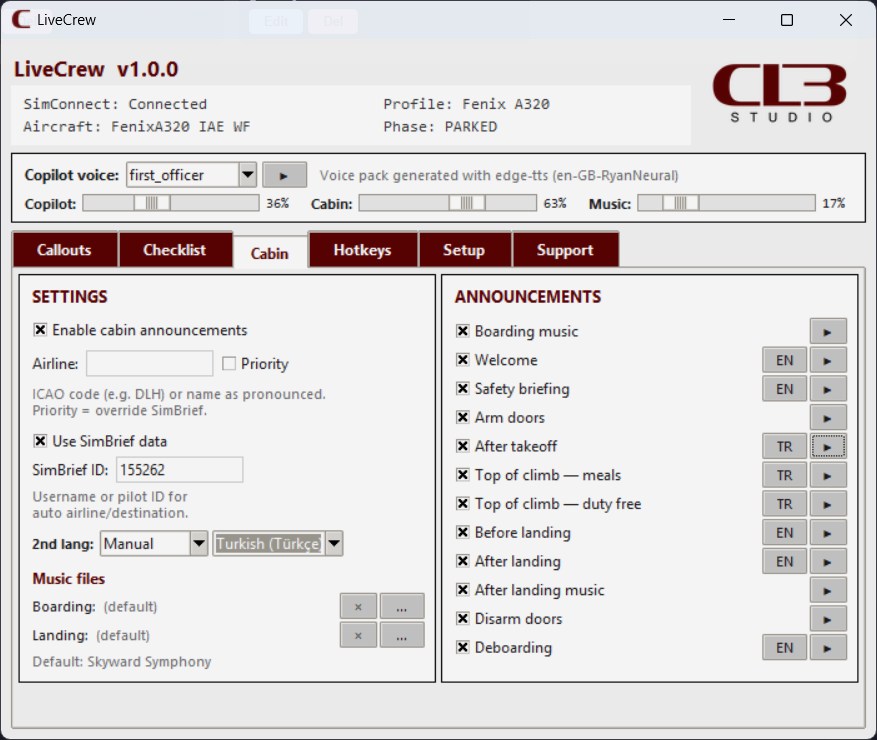
Full PA sequencing for boarding, safety briefings, climb, descent, and arrival with adjustable cabin speaker character.
Interactive Checklists
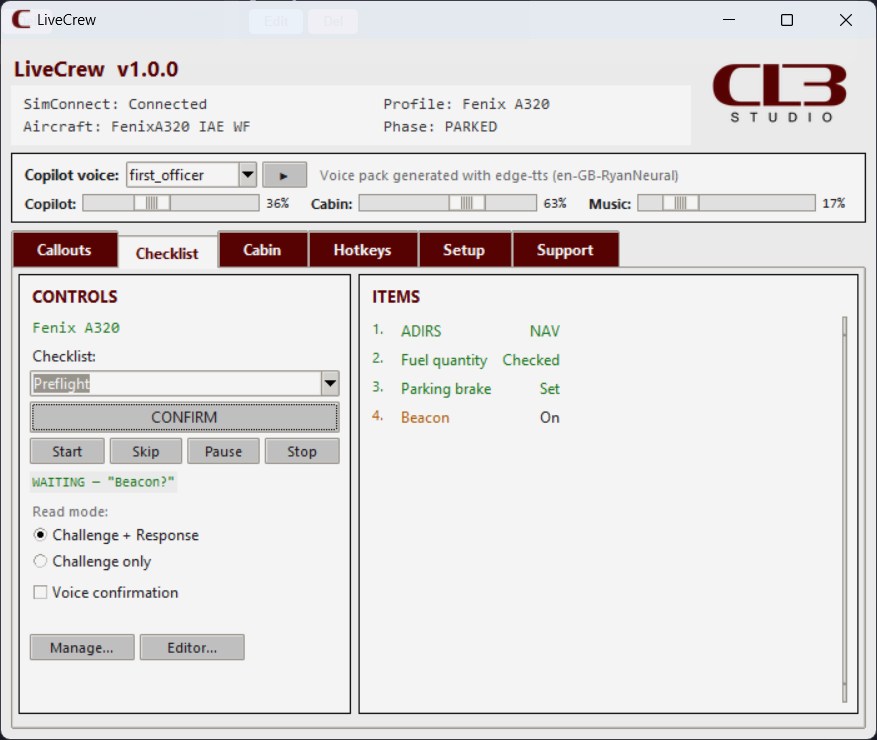
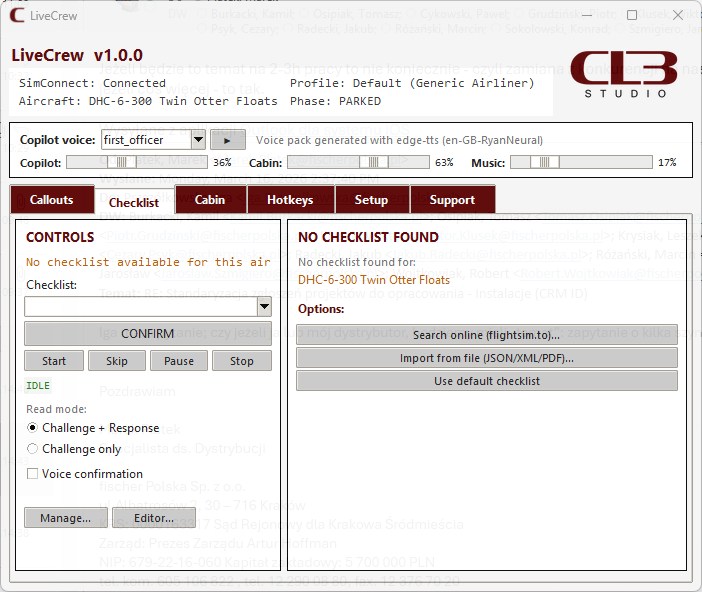
Voice-led challenge and response checklists with PDF import, custom creation, and cockpit-friendly controls.
Multiple Voice Packs
Choose from multiple cockpit voices and pair them with dedicated cabin voices, including optional second-language playback.
Standalone Application
No paid plugins and no extra host software required. Install LiveCrew, connect to the sim, and start flying.
AI-Generated Voices
Natural synthetic voices give LiveCrew a polished cabin and cockpit sound today, with room for continued voice quality updates.
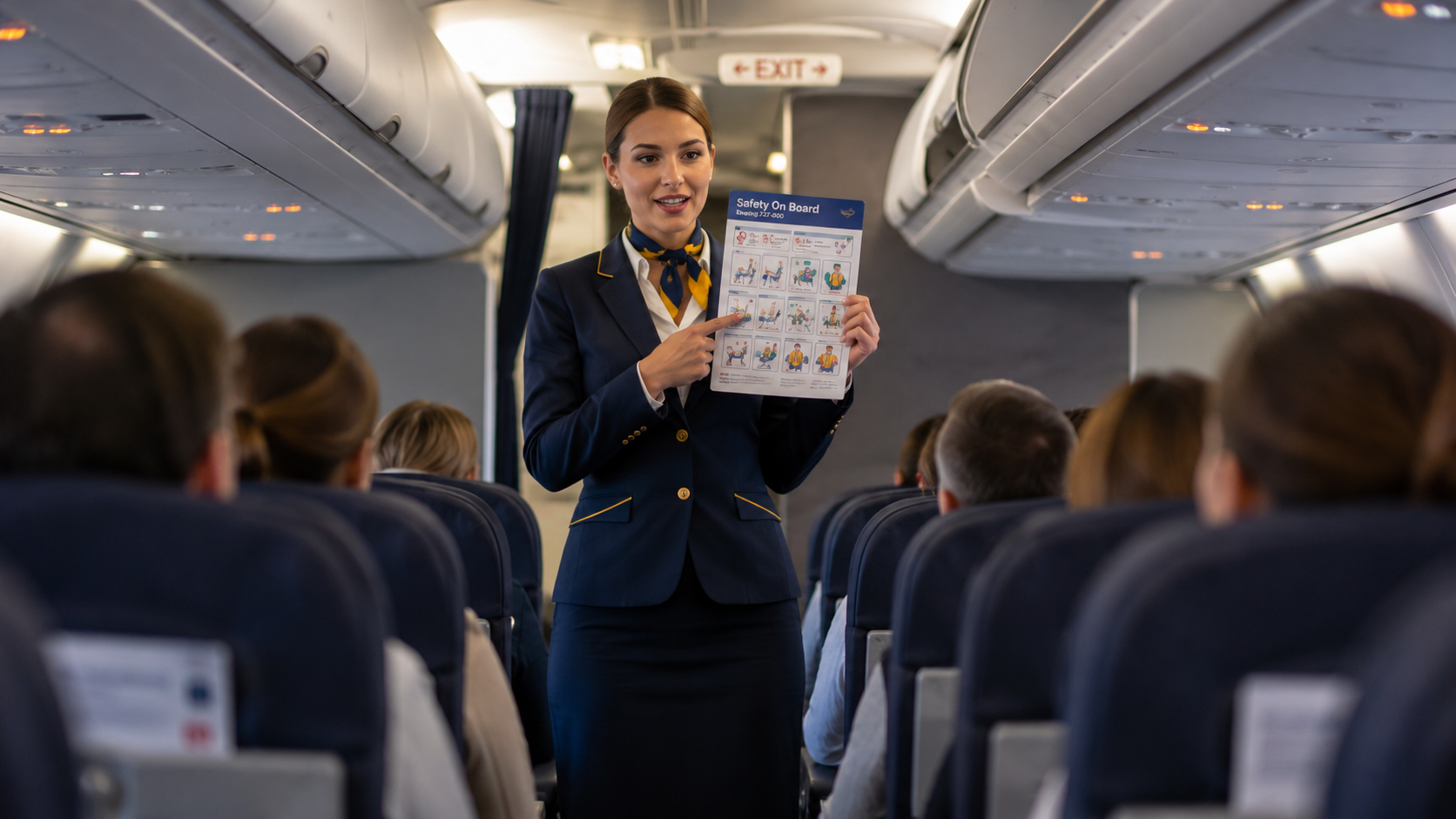
Realistic Cabin Experience
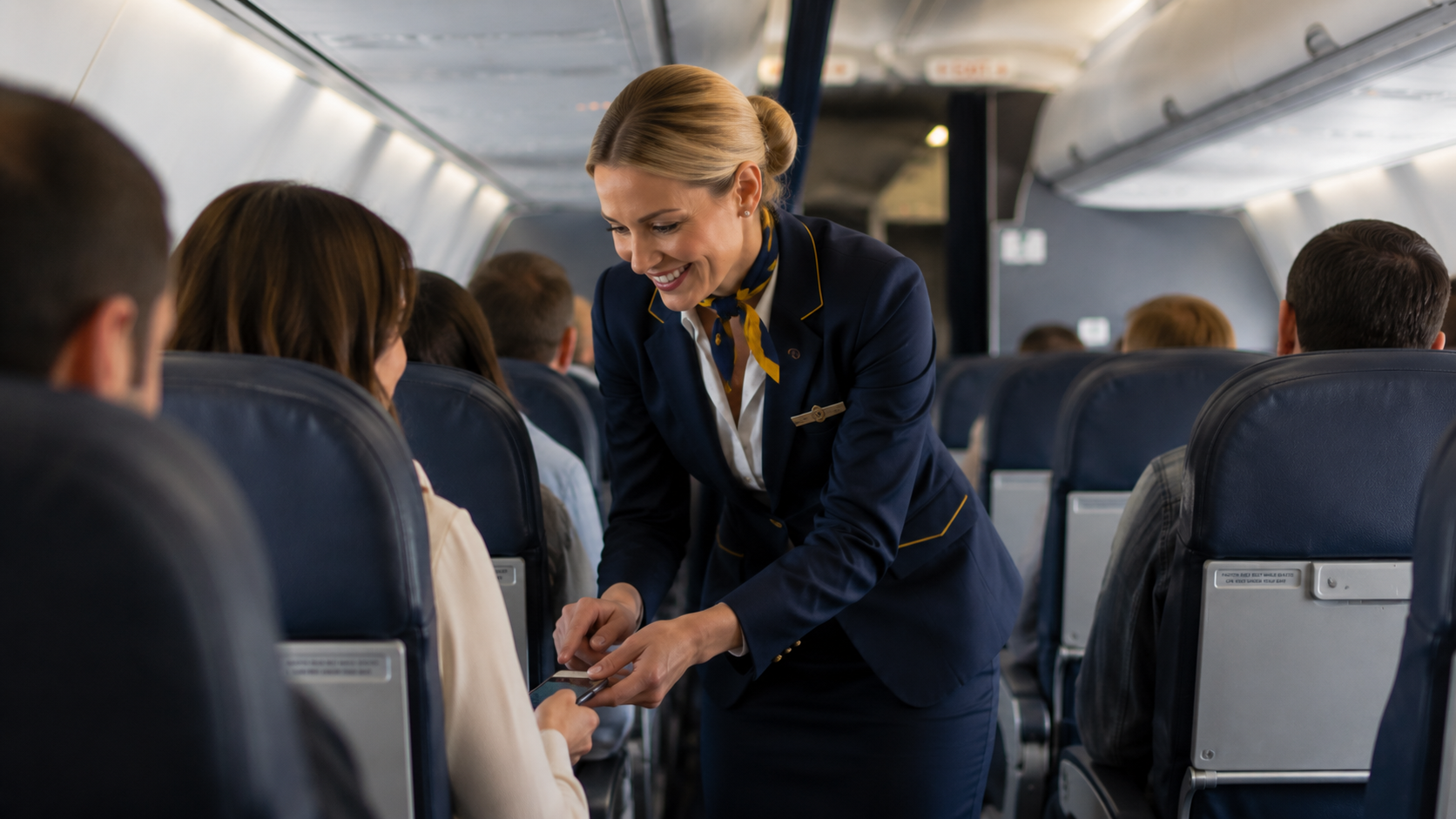
From welcome announcements to landing messages, LiveCrew brings the passenger cabin atmosphere into every phase of flight.
SimBrief Integration
Flight plan details like airline, destination, and flight number can feed into your cabin messaging automatically.
Aircraft Profiles
Built-in profiles cover popular airliners and adaptive behavior helps LiveCrew fit both airline and GA workflows.
Boarding and Landing Music
Looped background music for boarding and deboarding adds extra atmosphere without getting in the way of core flight audio.
Hotkeys and Controllers
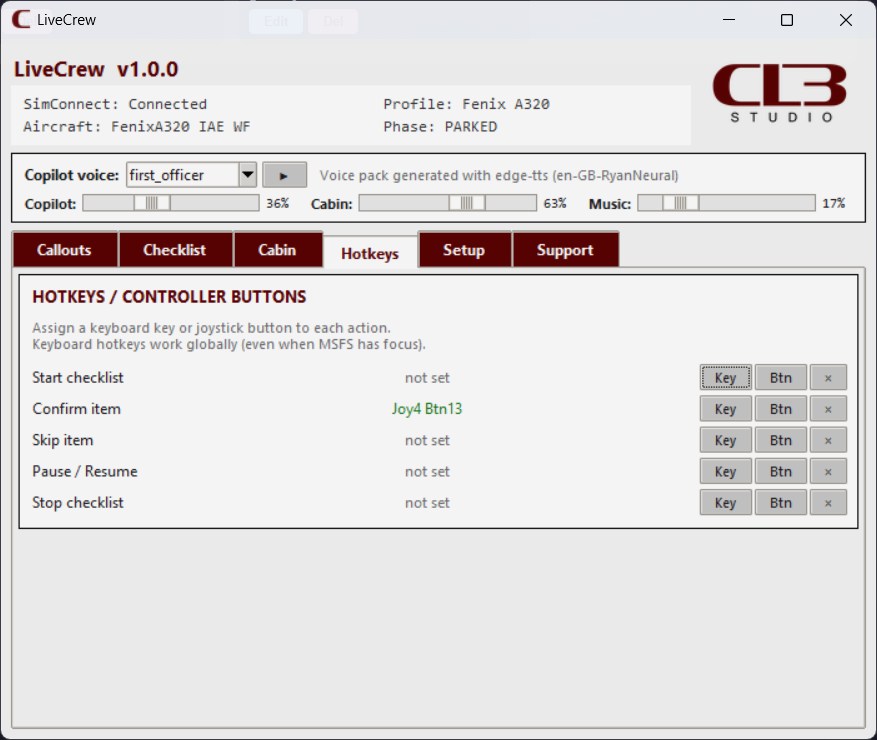
Control checklist flow and confirmations with keyboard shortcuts or joystick buttons without leaving the cockpit.
Multilingual Announcements
Support for multilingual cabin announcements helps match airline style and lets you build more believable passenger flows.
Fully Configurable
Enable only the callouts, PA phases, and behavior that fit your aircraft and your preferred flow.
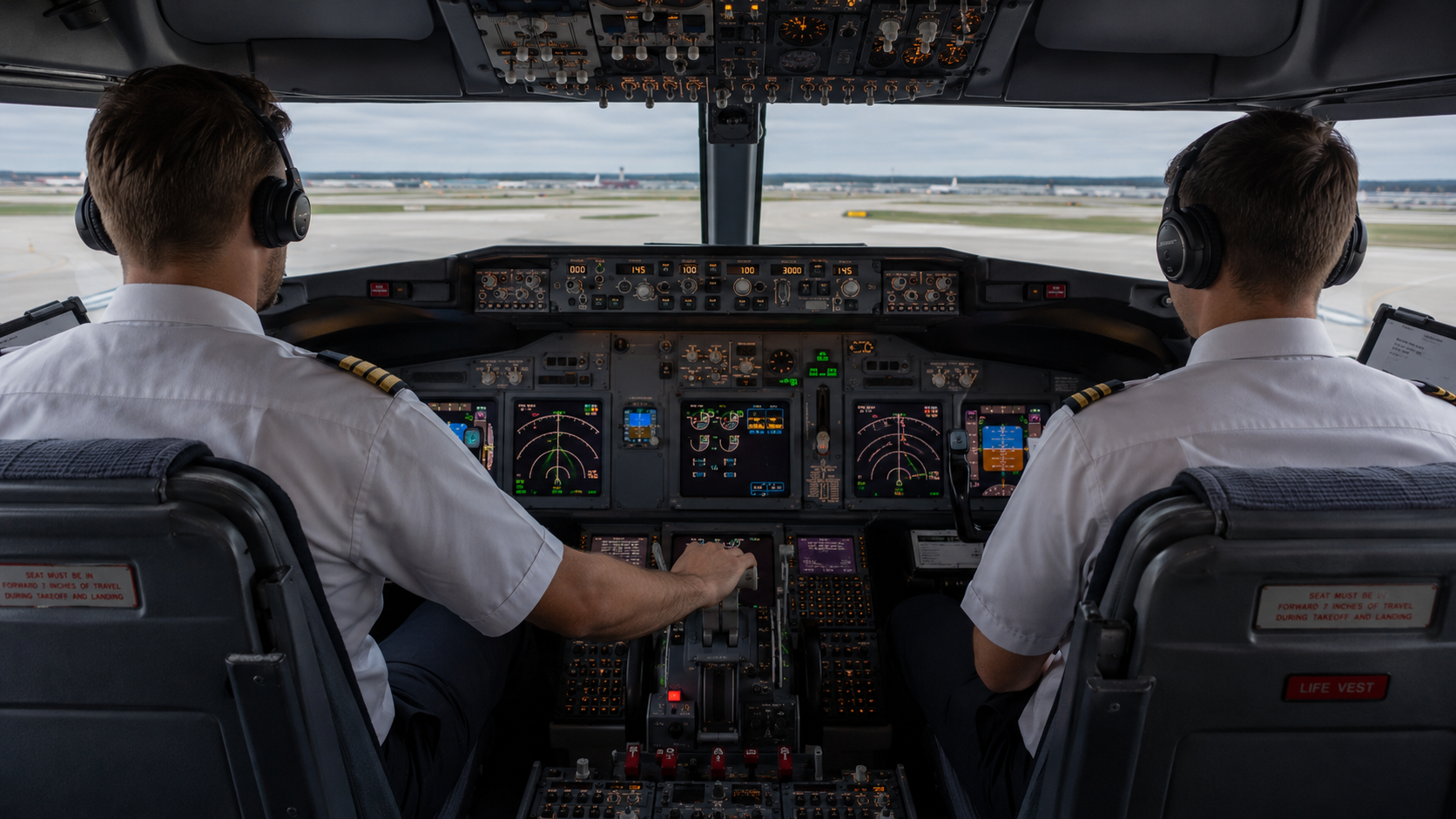
Professional Cockpit Callouts
Hear your virtual first officer read out the moments that matter, with configurable callouts tuned to your aircraft and flying style.
See It in Action
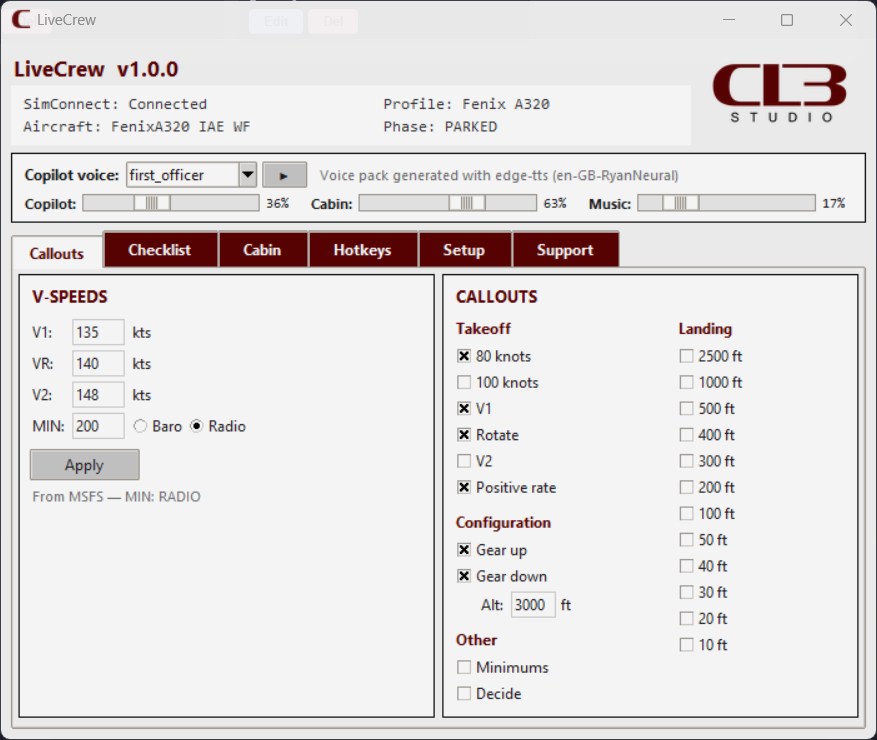
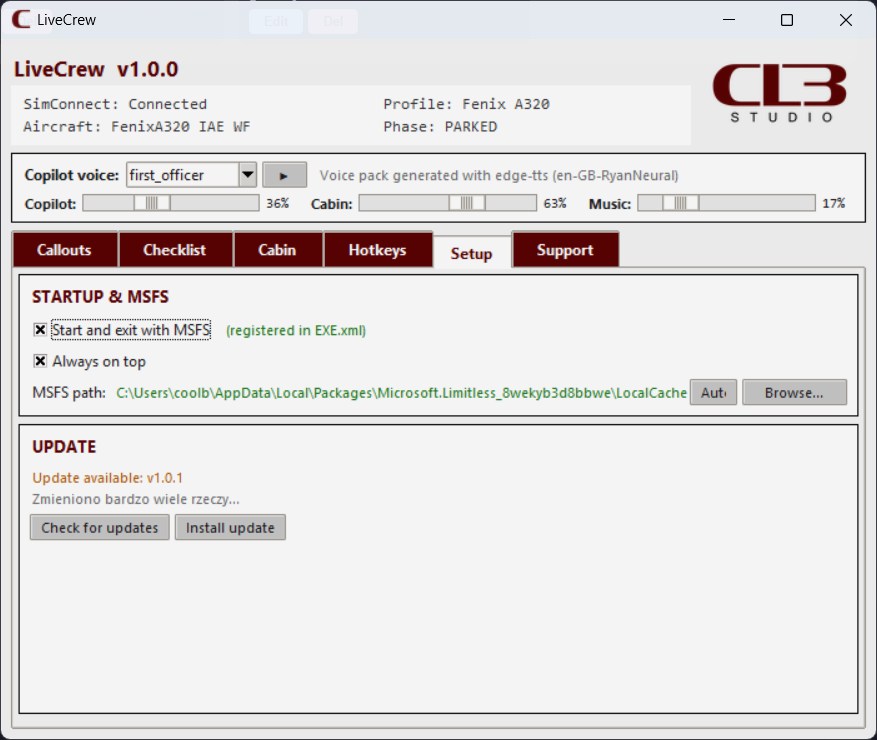
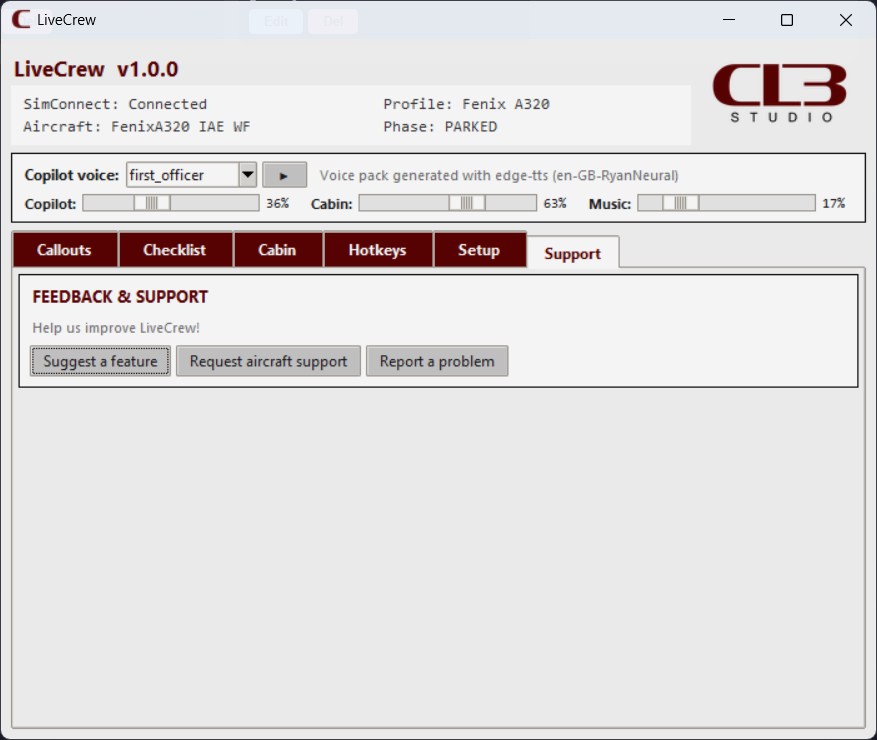
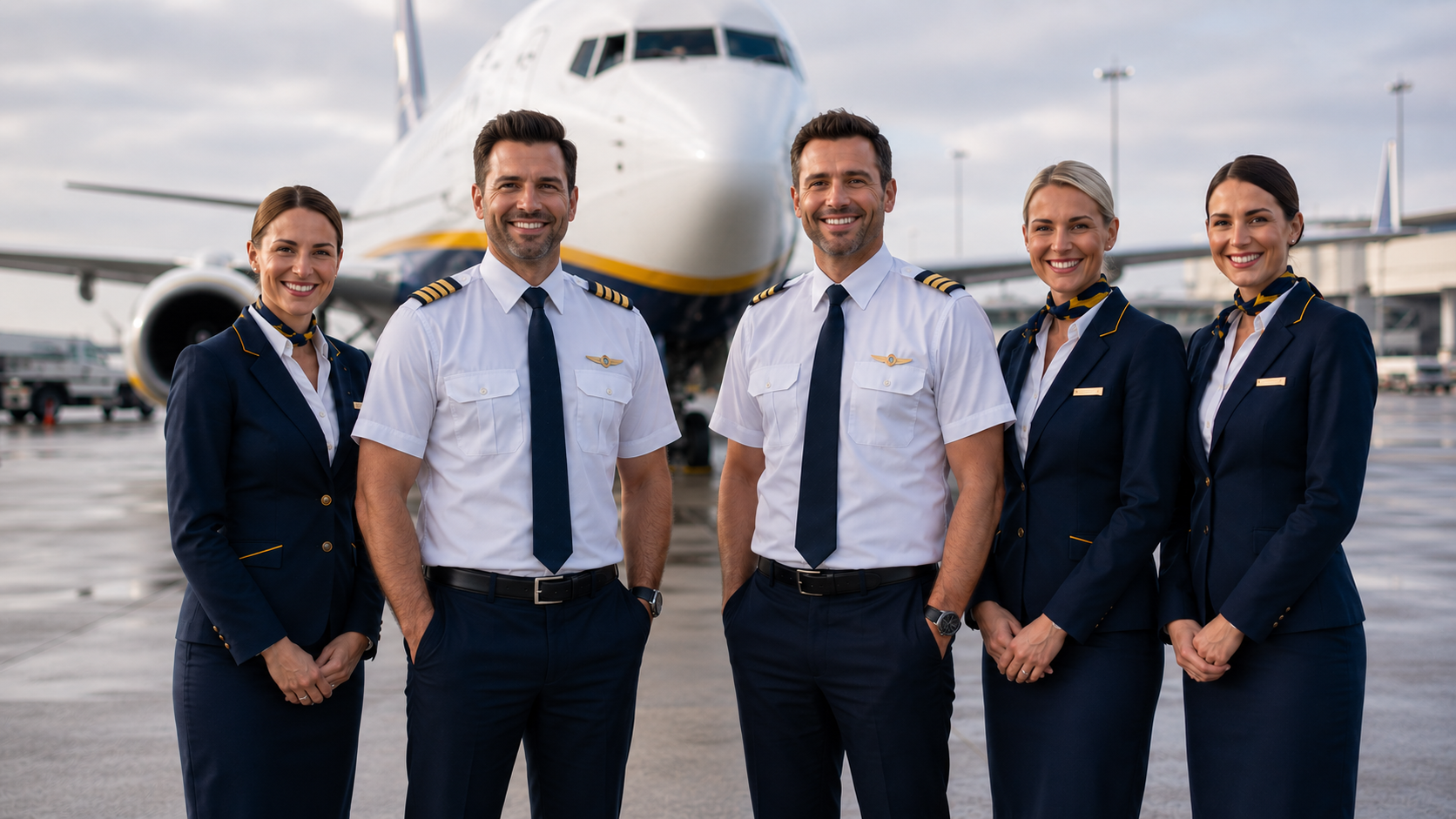
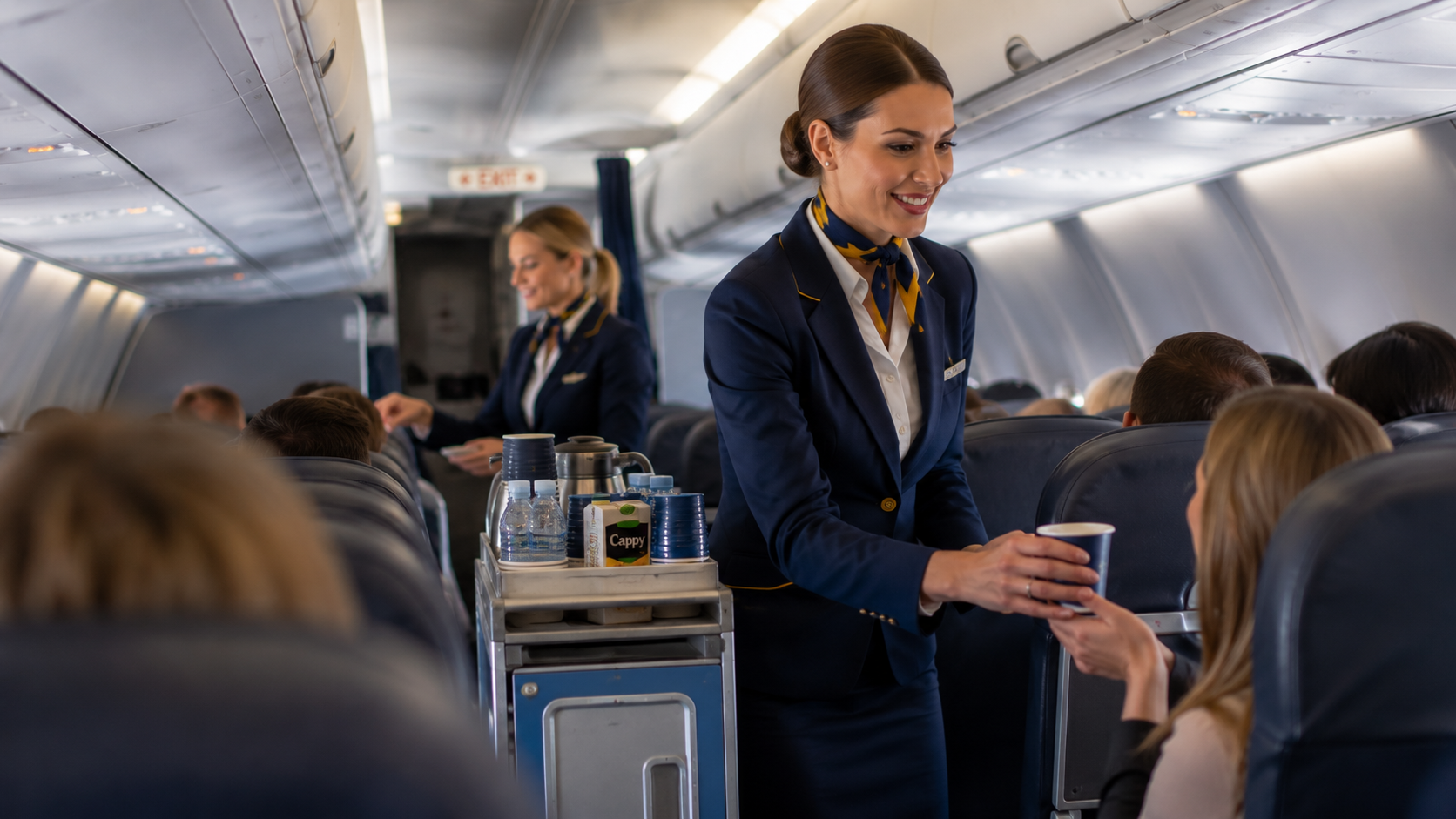
A quick look at the LiveCrew interface and atmosphere.
Trial Download
Try LiveCrew before release with a downloadable trial package focused on the core cabin and cockpit experience.
Free Trial
Download the current LiveCrew trial build
The trial is intended for Windows simmers who want to evaluate LiveCrew before store launch. It includes core callouts, PA sequencing, and checklist workflow in a single installer package.
Download Free TrialWhere to Buy
LiveCrew is available on SimMarket.
About LiveCrew
LiveCrew was created for simmers who want a fuller airline atmosphere without adding unnecessary complexity to their cockpit workflow.
It focuses on the moments that make flights feel alive: callouts, checklists, boarding ambience, and cabin announcements that react to the journey.
LiveCrew is built by CLB Studio, an independent product studio creating practical companion tools for Microsoft Flight Simulator.
FAQ
LiveCrew is designed for Microsoft Flight Simulator 2020 and Microsoft Flight Simulator 2024 through SimConnect.
The trial is meant to preview the LiveCrew workflow before public launch. Final trial scope, versioning, and packaging can be updated as the public installer is prepared.
Download the trial package, extract or install it on Windows, launch LiveCrew, then connect it to your simulator session.
Yes. The trial is the try-before-you-buy step, and store or checkout details will be published once the commercial release is ready.
No. LiveCrew runs as a lightweight companion app outside the simulator and is designed to keep CPU and RAM impact low.
Contact CLB Studio at contact@clbstudio.com for installation help, trial feedback, and release updates.